



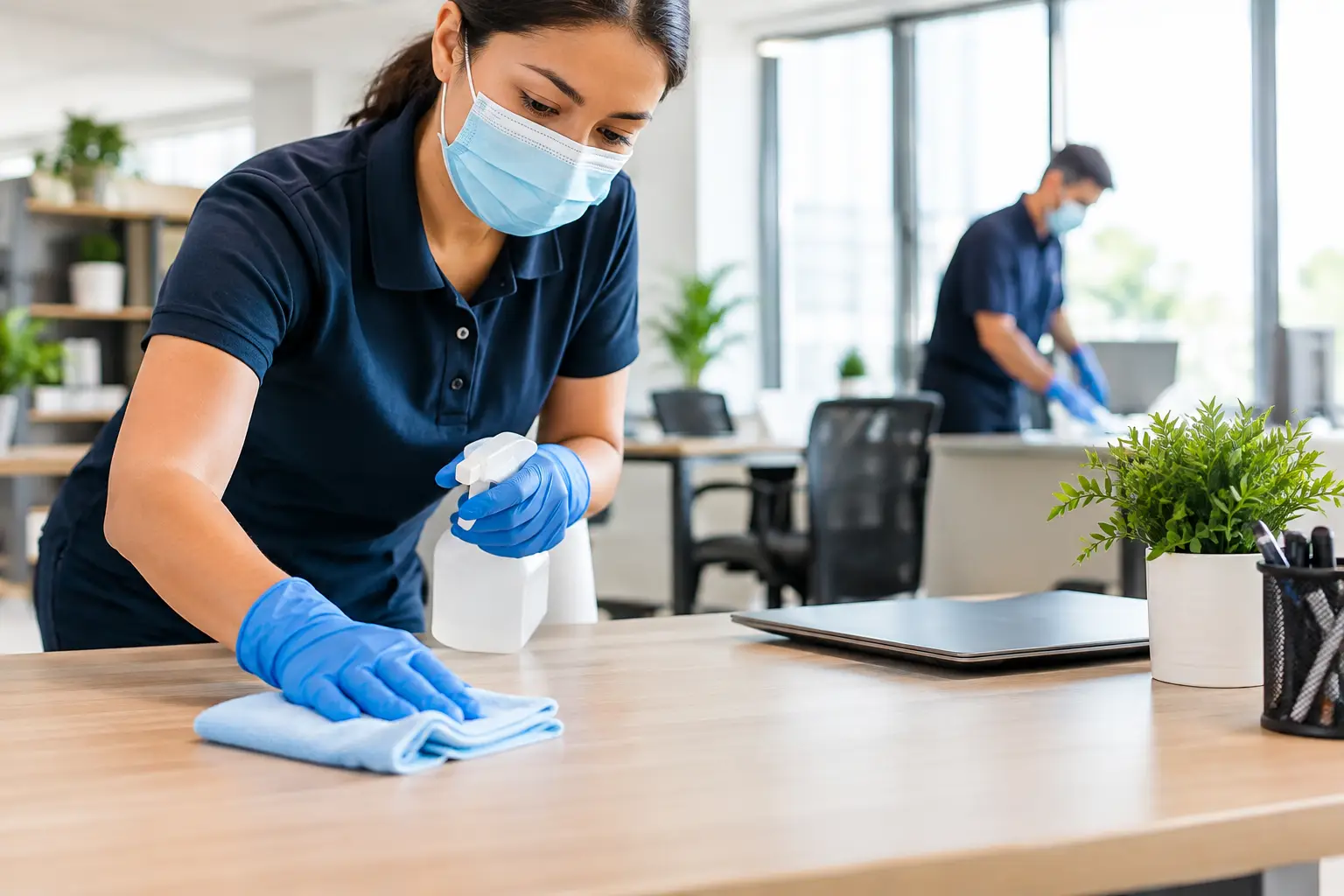
The conference room can look perfectly ready for a client meeting while its remote control, chair arms, light switches, and door handle receive little attention between uses. That gap is why identifying the best office areas to sanitize matters. For office and facility managers, the goal is not to sanitize every surface indiscriminately. It is to build a practical routine around the places people touch most, the rooms people share, and the moments when activity increases.
A well-planned sanitation routine supports a cleaner-looking workplace, gives employees and visitors more confidence in shared spaces, and helps prevent cleaning time from being spent on low-priority tasks. The right priorities will differ between a small professional office, a busy leasing center, a medical-adjacent administrative suite, and a multi-tenant commercial property. Still, the same principle applies: focus first on high-touch surfaces and high-traffic spaces.
The Best Office Areas to Sanitize First
Sanitizing is most effective after a surface has been cleaned of visible soil, dust, spills, or residue. Cleaning removes debris, while sanitizing uses an appropriate product to reduce certain germs on a cleaned surface according to the product label. Both steps matter, particularly in common areas that are used throughout the day.
Entry points and reception areas
The front entrance is one of the most frequently touched parts of an office. Exterior and interior door handles, push plates, access keypads, elevator buttons, reception counters, visitor sign-in tablets, pens, and lobby seating armrests all deserve regular attention.
Reception is also a visible indicator of how a facility is managed. A smudged glass door or neglected counter can make the whole workplace feel less cared for, even when private offices are clean. For properties with steady visitor traffic, a mid-day touch-up of high-contact surfaces may make sense in addition to end-of-day service.
Restrooms
Restrooms should sit at the top of every office sanitation plan because they combine frequent use, moisture, and multiple shared touchpoints. Prioritize faucet handles, flush levers or buttons, stall latches, grab bars, soap dispensers, paper towel dispensers, door handles, and changing stations where applicable.
A restroom schedule should match actual occupancy, not a generic calendar. A small office with limited staff may need detailed service once daily, while a busy commercial building, clubhouse, or shared facility may require several checks during operating hours. Supplies, odors, visible splashes, and trash buildup are also signals that service frequency should be adjusted.
Break rooms and kitchenettes
Break rooms bring together food, beverages, shared appliances, and close-contact surfaces. The refrigerator handle, microwave buttons and handle, coffee machine controls, sink faucet, cabinet pulls, table edges, and shared condiment areas are among the most useful places to sanitize.
The trade-off is that break rooms can be difficult to keep orderly if personal dishes, food containers, and papers are left behind. A cleaning team can address accessible surfaces, but clear workplace expectations help protect the results. Asking staff to remove personal items, wipe major spills promptly, and empty food from refrigerators on a set schedule allows more thorough service where it counts.
Conference rooms and training spaces
Conference rooms collect use from people who may not work in the office every day. Focus on door handles, chair arms, tabletop edges, presentation remotes, touch-screen controls, whiteboard markers, and shared keyboards or adapters.
Frequency depends on how the room is used. A boardroom booked once or twice a week can be handled as part of regular service, with an additional reset before important meetings. A training room with multiple sessions each day benefits from a quick turnover routine between groups. In either case, wiping down the table alone is not enough if the controls and shared equipment are overlooked.
Individual workstations and shared equipment
Personal desks require a balanced approach. Employees may prefer to manage their own keyboards, phones, and desk items, especially when documents or sensitive materials are present. A recurring cleaning plan can cover desk exteriors, reachable hard surfaces, and trash removal, while individual team members handle their personal electronics and work tools.
Shared equipment deserves more consistent attention. Printer touch screens, copier buttons, postage machines, time clocks, shared phones, and communal keyboards can see dozens of contacts in one day. These are easy surfaces to miss because they are small, but they are among the most practical office sanitation priorities.
Do Not Overlook High-Touch Details
Many office sanitation plans fail because they focus only on the obvious rooms. The details below are often touched repeatedly, yet may not look dirty:
- Light switches, dimmer controls, thermostat panels, and AV controls
- Door handles, cabinet pulls, drawer handles, and filing cabinet latches
- Stair railings, elevator buttons, and handrails in shared corridors
- Vending machine buttons, water dispenser controls, and bottle-fill stations
- Shared office supplies such as staplers, hole punches, calculators, and clipboards
These surfaces do not all need the same level of attention. A cabinet handle in a locked storage room may be low priority, while a water dispenser button used by an entire floor may need daily care. A walkthrough of employee movement patterns is the simplest way to separate occasional-touch surfaces from true high-contact points.
How Often Should an Office Be Sanitized?
There is no one-size-fits-all answer. The best schedule depends on occupancy, visitor volume, office layout, the number of shared amenities, and the nature of the work performed. A low-traffic office may do well with daily attention to restrooms, break room touchpoints, and main entry surfaces, plus regular detailed cleaning. A larger facility with shared conference rooms, public-facing reception, or extended hours may need multiple touchpoint services during the day.
Rather than treating sanitizing as a separate project every time, build it into the cleaning workflow. For example, after removing trash and cleaning a break room counter, the technician can sanitize appliance handles and faucet controls. After vacuuming a conference room, they can address chair arms, door hardware, and the meeting remote. This creates consistency without adding unnecessary steps.
Products and procedures also matter. Use products suited to the surface and follow label directions, including the required contact time. Spraying a surface and immediately wiping it dry may not deliver the intended result. On electronics, use manufacturer-approved methods and avoid oversaturating screens, keyboards, or control panels. A customized plan should account for delicate finishes, high-gloss surfaces, natural stone, and specialty equipment.
Create a Sanitation Plan People Can Follow
The strongest plans are clear enough that everyone understands what happens, when it happens, and who is responsible. Start by separating routine daily touchpoints from weekly detail work and periodic deep cleaning. Then identify spaces that need a response after a specific event, such as a large meeting, an open house, a tenant move, or a spill in a shared area.
Communication is equally useful. Facility managers should let their cleaning provider know when occupancy changes, when an area is being renovated, or when a conference room begins hosting more frequent events. In return, a responsive provider can recommend adjustments to visit frequency, task lists, and service timing. Flexible scheduling can keep cleaning activity from interrupting front-desk operations, client appointments, or focused work time.
For multi-tenant properties and HOA-managed facilities, the plan may need separate standards for office suites, lobbies, clubhouses, leasing offices, elevators, and shared restrooms. Trying to use one identical checklist across every area often creates blind spots. Each space should reflect how people actually use it.
Make Sanitizing Part of a Well-Run Office
A sanitation plan is not about treating every surface the same. It is about giving the most-used spaces the attention they need, while maintaining the full cleaning details that keep an office presentable day after day. When door hardware, restrooms, break rooms, conference rooms, and shared equipment are handled consistently, the workplace feels more organized and ready for business.
Call The Helper LLC can help San Diego County offices, property managers, and shared facilities build cleaning plans around their schedules, traffic patterns, and priorities. A thoughtful routine keeps the work focused where employees and visitors will notice it most.


Comments are closed